How to Set Up Follow-Up Reminders That Actually Get Used by Agents
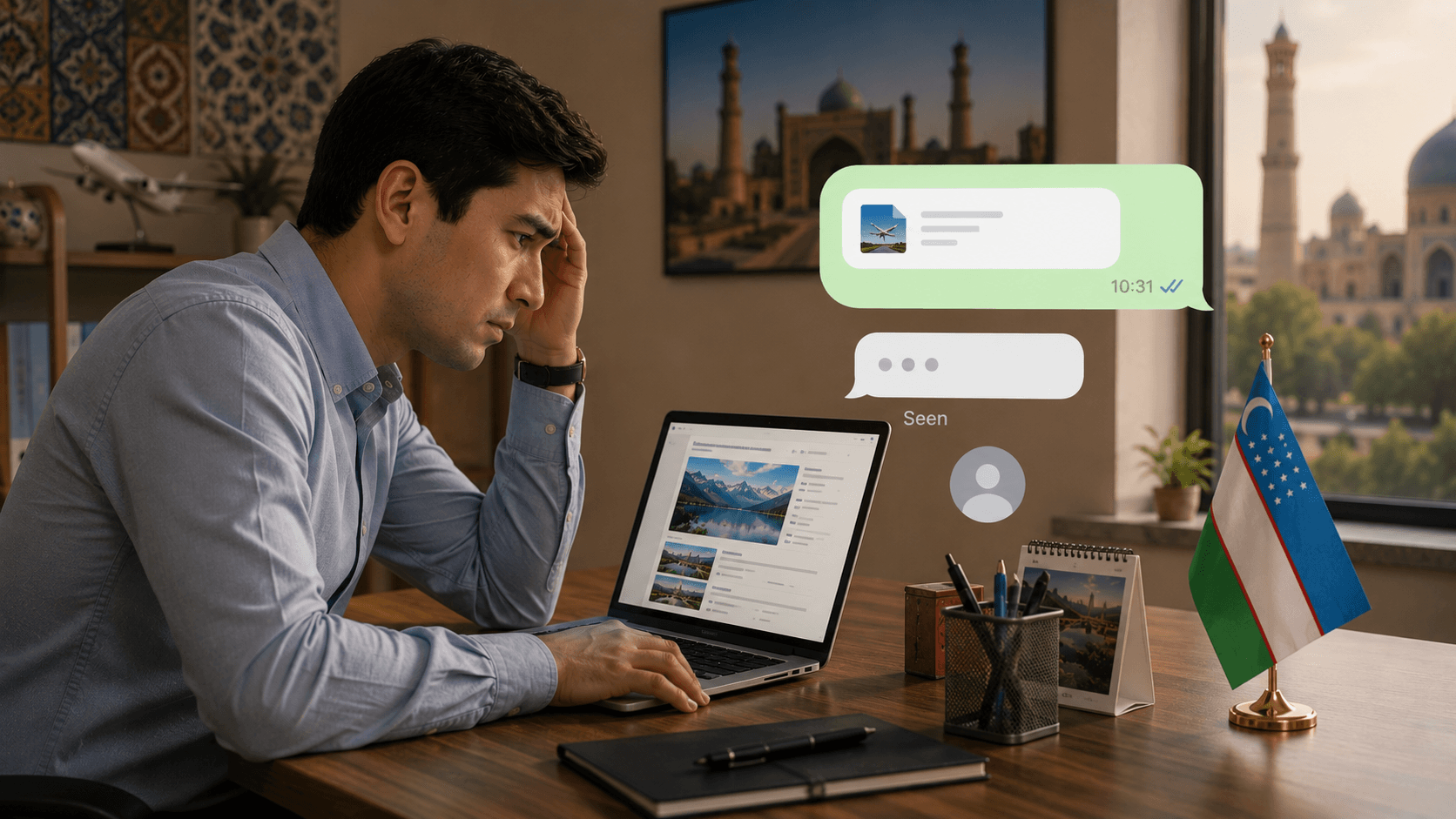
Here is a scene that plays out in almost every travel agency in Uzbekistan. An agent sends a tour quote on Monday afternoon. The client doesn't respond. There is a reminder in the CRM, or a sticky note on the monitor, or a mental note, to follow up on Wednesday. Wednesday comes. The agent is juggling three other enquiries, a hotel confirms a cancellation, and Telegram won't stop buzzing. The follow-up doesn't happen. By Thursday the client has booked with a competitor.
The problem is almost never a lack of intent. Agents want to follow up. The problem is that the reminder system wasn't built around how agents actually work under pressure. A reminder that fires at the wrong moment, carries no context, or requires too many taps to dismiss becomes background noise within a week of adoption.
"A reminder system that agents ignore is worse than no system at all, it creates the illusion of follow-up discipline while the leads quietly disappear."
Why Most Reminder Systems Fail in Practice
Before setting up reminders, it is worth understanding why the ones you already have aren't being used consistently. The root causes are almost always one of these four:
A notification that says "Follow up, Karimov family" tells the agent nothing. Which tour? What was the last message? What's the sticking point? The agent has to open the enquiry, find the thread, re-read the last quote, and then decide what to say. Under pressure, they dismiss the reminder and promise themselves they'll do it later.
If your CRM sends every follow-up notification at 9 AM when agents are already answering overnight messages, the reminders compete with more urgent tasks and lose every time.
If an agent can snooze a reminder indefinitely with no visibility to the manager, there is no real accountability. The reminder becomes optional.
When every action, first contact, quote sent, visa needed, departure approaching, generates a separate notification in the same channel, agents stop reading them. All reminders feel equally urgent, which means none are urgent.
The 5 Follow-Up Moments That Actually Matter
Rather than setting reminders for everything, focus on the five moments in the client journey where a timely follow-up has the highest impact on conversion and client satisfaction:
After the quote is sent
If the client hasn't responded within 24 hours, a single short message, "Did you have a chance to look at the proposal? Happy to adjust anything.", recovers 15-20% of silent leads. This reminder should fire automatically from the CRM the moment a quote status is set to "Sent".
Second touch on a cold quote
If no response after 24 hours, a second reminder at 72 hours with a softer approach: share a relevant tip, a new option, or simply ask if they're still interested. This is the last active follow-up before marking the lead as cold.
Before payment deadline
Once a booking is confirmed but payment hasn't arrived, a reminder 48 hours before the deadline avoids last-minute scrambles and protects the booking. Set this when the confirmation status is assigned.
Pre-departure document check
One week before departure, an agent should verify that all documents are in order and the client knows what to bring. This reminder reduces last-minute panics and builds trust with clients who appreciate the proactive contact.
Post-trip feedback
Three days after the return date, ask how the trip went. This single follow-up generates more repeat bookings and referrals than any other touchpoint, yet almost no agency does it systematically.


How to Configure Reminders Agents Will Actually Open
The goal isn't more reminders, it's smarter ones. Here's how to configure each reminder so it takes no more than 30 seconds for an agent to act on:
- Include the last action in the reminder text. "Follow up, Karimov family. Quote sent Mon: 7 nights Turkey, 2 adults, $1,240. No response." This takes 5 seconds to read and the agent knows exactly what to say.
- Schedule reminders for 11:00-11:30 AM or 3:00-3:30 PM. These windows fall between peak message hours and give agents a focused 15-minute block to handle follow-ups before returning to active enquiries.
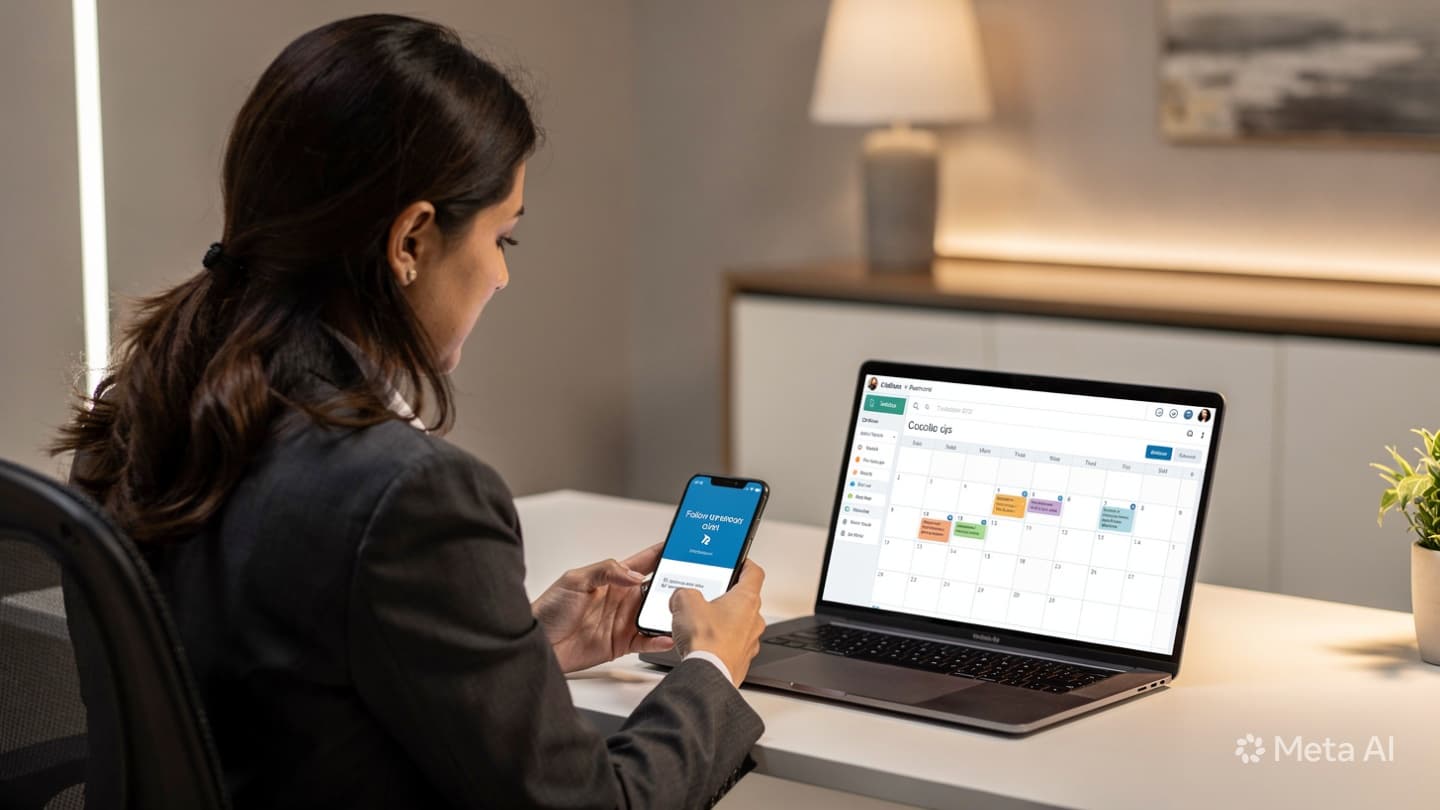
- Make every reminder a one-tap action. The notification should link directly to the enquiry thread, not to the CRM homepage. Two extra taps is enough friction to lose the follow-up.
- Add manager visibility after 4 hours. If a reminder is not marked complete or snoozed within 4 hours of firing, the manager receives a notification. This single change dramatically increases the rate of reminder completion without being punitive.
Agencies that implement context-rich reminders with a 4-hour manager escalation reduce the rate of missed follow-ups by over 60% within the first month, without adding a single new agent.
The Manager's Role: Making Follow-Up Visible
The most durable reminder systems aren't maintained by technology alone, they're reinforced by a simple management habit. Every Monday morning, spend 10 minutes reviewing two numbers with your team: how many follow-up reminders were completed last week, and how many were snoozed past 24 hours. Don't turn this into a blame exercise. Use it to identify patterns: are reminders being missed for one specific stage? One specific agent? One time of day? The data tells you where to adjust the system, not where to assign blame.
Equally important: celebrate when a follow-up converts. When an agent sends a 72-hour second touch and the client books the tour, make that visible in the team chat. Positive reinforcement builds the habit faster than any policy document.
Your First Week: A Practical Setup Plan
You don't need a perfect system on day one. Start with these four steps and build from there:
- Day 1-2: Turn off all current reminders except the 24-hour post-quote follow-up. One reminder, executed consistently, is worth more than ten reminders that get ignored.
- Day 3-4: Update the reminder template to include the tour name, price, and last agent action. Test it on three live enquiries and ask agents if the context is enough to act immediately.
- Day 5: Add the 72-hour second-touch reminder. Link both reminders directly to the enquiry thread in your CRM, not to the inbox.
- Week 2: Add manager visibility for reminders open longer than 4 hours. Review completion rates every Monday and adjust timing if you see consistent patterns of snoozing.
The agencies that get the most value from follow-up reminders are the ones that start small, measure results, and iterate, not the ones that configure every possible reminder on day one and then wonder why agents are ignoring the system. If you'd like help configuring this in your CRM, book a free consultation with our team. We'll review your current setup and show you the exact changes that will have the biggest impact on your conversion rate.