

What a CRM Pipeline Actually Looks Like for a Travel Agency
"We should set up a CRM" is something most agency owners say at some point. But the conversation usually stalls because nobody can picture what it actually looks like day-to-day. The word "pipeline" sounds abstract until you see it mapped to your own enquiries, your own agents, and your own workflow.
This article walks through a real pipeline, the one we configure for travel agencies in Uzbekistan, stage by stage. Not theory. Not sales slides. The actual stages, what triggers the move between them, and what your team should be doing at each point.
"A pipeline is less a tool than a shared agreement about how your team handles every single enquiry. The software just enforces it."
The 6 Stages of a Travel Agency CRM Pipeline
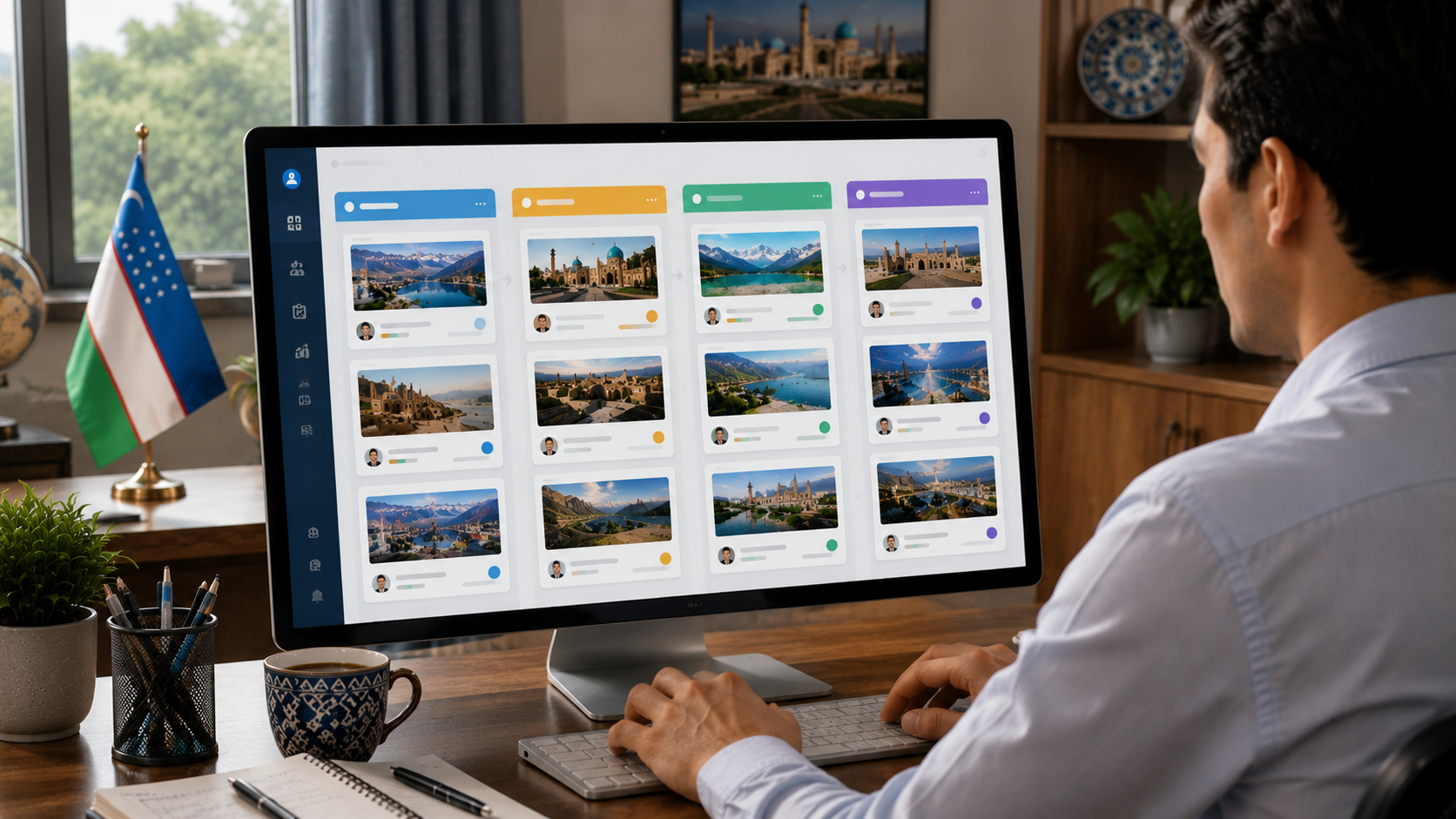
Every enquiry that enters your system should travel through the same defined path. Here's how a working pipeline looks for agencies managing tours, visas, and flight bookings across multiple channels:
New Enquiry
The enquiry has arrived, from Telegram, Instagram, website form, or phone. It's logged automatically and sits unassigned. Rule: nothing stays here longer than 15 minutes during business hours.
Assigned & Contacted
An agent picks up or is assigned the enquiry and sends the first response. The clock starts. This is the stage where first impressions are made, clients decide within minutes whether your agency feels professional.
Quote Sent
The agent has gathered the client's requirements and sent a formal price offer. A 24-hour automatic follow-up reminder is set. If the client doesn't respond, the CRM nudges the agent, not the other way around.
Negotiating
The client is interested but has questions, wants adjustments, or is comparing options. All messages, revised quotes, and call notes are attached to this single card, no digging through Telegram history.
Confirmed & Payment Pending
The client has agreed to proceed. A payment link or invoice is sent. The card holds the booking reference, payment deadline, and any visa or document requirements. Nothing falls through because it's all in one place.
Closed (Won or Lost)
The booking is complete, or the client went elsewhere. Either way, the outcome is recorded with a reason. Over time, this data tells you exactly where in the funnel you're losing people and why.

What Managers Actually See
The pipeline isn't just useful for agents, it's the manager's real-time dashboard. At any moment, you can open the CRM and see:
- How many enquiries are sitting in "New" and for how long
- Which agent has the most active cards and which has none
- Which quotes have been sitting unanswered for more than 24 hours
- Which confirmed bookings are waiting on payment, and when the deadline is
- How many deals were lost this week and at which stage
This is the information most agency owners currently have zero visibility into. They find out a deal was lost when the client stops responding, not when it could still be saved.
When your whole team works from the same pipeline, a manager can cover for an absent agent in two minutes, every conversation, quote, and note is already there, visible to anyone with access.
The 5 Most Common Pipeline Mistakes We See
Agencies often have a pipeline but still struggle. Usually the problem lies in how the pipeline is used, not in the software itself. These are the five patterns we see most often:
- Stages that don't match real workflow. A pipeline designed for a SaaS company looks nothing like what a travel agency needs. If agents have to force their actual work into the wrong stages, they'll stop using it within a week.
- No deadlines on stage transitions. Without time rules, cards sit in "New" for hours and "Negotiating" for weeks. A stage without a deadline is just a folder with a different name.
- Agents updating the pipeline only when they remember. The pipeline only works if it's updated in real time. If it's treated as a reporting task done at end of day, it's useless for management.
- Lost deals with no reason recorded. If you close a deal as "Lost" and don't record why, you lose the most valuable data you could have. After 50 lost deals with reasons, patterns become obvious.
- One pipeline for everything. A tour enquiry, a visa application, and a group booking have different stages and different timelines. Forcing them into one pipeline creates confusion and missed steps.
Pipeline vs. Telegram: A Concrete Comparison
Here's what the same enquiry looks like in each system:
Telegram Only
- Enquiry arrives in agent's personal chat
- No one else can see it
- Quote sent, then forgotten if no reply
- Agent goes on leave, enquiry sits unread
- No record of what was offered or agreed
- Manager has no idea what's happening
CRM Pipeline
- Enquiry lands in shared queue, visible to all
- Assigned within 15 minutes, logged
- Auto-reminder fires if quote unanswered at 24h
- Any agent can pick it up if owner is away
- Full conversation and quote history on the card
- Manager sees live status of every deal
Where to Start
If you're building a pipeline from scratch, resist the temptation to make it complicated. Start with six stages as above, configure one pipeline for your most common enquiry type (usually tour packages), and enforce two rules with your team:
- Every enquiry gets assigned and first contact made within 15 minutes of arrival.
- Every card is updated before the agent ends their working day, not in batches at end of week.
Once those two behaviours are consistent, add automations: the 24-hour quote follow-up, the payment deadline reminder, the "stale" alert for cards sitting in one stage too long. Automation built on top of a disciplined manual process works. Automation layered over chaos just accelerates the chaos.
If you want to see what a pipeline configured specifically for your agency would look like, based on your channels, your team size, and your most common enquiry types, book a free consultation with us. We'll map it out on a call, no commitment required.