
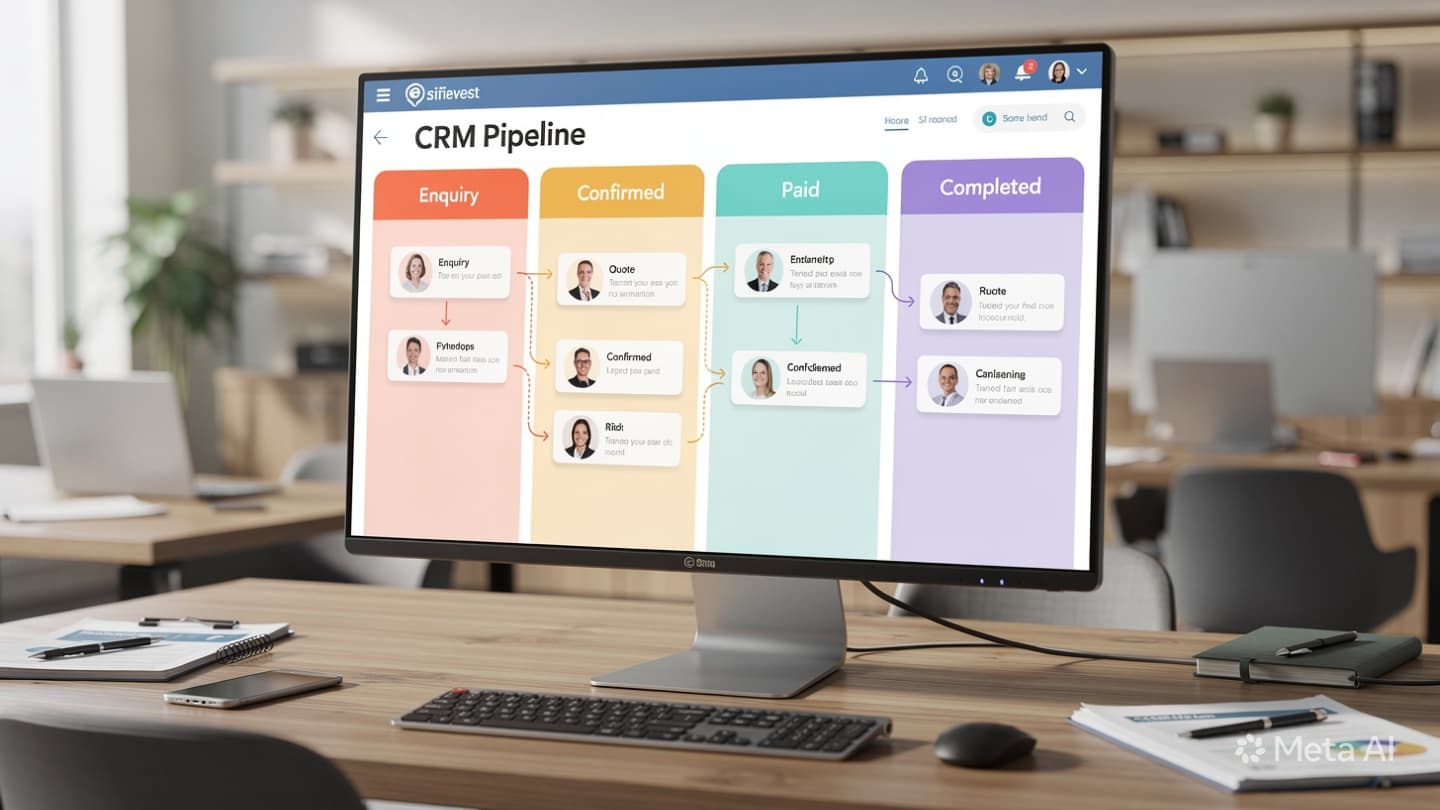
The 5 Stages Every Travel Booking Should Go Through in Your CRM
Ask ten travel agency owners in Uzbekistan how they track a booking from first message to final payment, and you'll get ten different answers, most of them involving Telegram, a notebook, or memory. The result is predictable: bookings fall through, clients get forgotten mid-process, and at the end of the month nobody can explain why revenue was down.
The fix isn't complicated. Every booking, without exception, should move through exactly five defined stages in your CRM. When it does, you always know where each client is, who's responsible, and what needs to happen next. When it doesn't, you're running your agency on luck.
Stage 1, New Enquiry: The 15-Minute Rule
Every booking starts as an enquiry. A client sends a message on Telegram, fills out a website form, or calls and gets transferred to an agent. That moment, however the enquiry arrives, is Stage 1, and it has exactly one job: get logged into the CRM and assigned to a named agent within 15 minutes.
Most agencies skip the assignment step. The enquiry gets seen, maybe acknowledged, but no one is formally on the hook for it. So when the agent who saw it gets busy, it drifts. Stage 1 is only complete when two things are true: the enquiry exists in the CRM as a record, and a specific person's name is attached to it as the responsible agent.
- Required fields at Stage 1: client name, contact channel, destination, travel dates (even rough), assigned agent, time of arrival.
- Stage 1 exit trigger: first substantive response sent to the client, not just "hello, we received your message," but actual engagement with their request.
"A booking that isn't logged doesn't exist. If it's not in the CRM, it's in someone's head, and heads forget, get sick, and leave the company."
Stage 2, Quoted: More Than Just Sending a Price
Stage 2 begins the moment your agent sends a formal price proposal. This sounds simple, but it's where most CRM implementations fall apart, because "sending a price" is treated as an event rather than a stage. The quote goes out over Telegram and the CRM record never gets updated.
In a properly tracked pipeline, moving a booking to Quoted means the CRM now knows: which tour or package was proposed, the price sent, the date the quote was sent, and, critically, a follow-up reminder set for 24 hours later. That reminder isn't optional. If the client hasn't responded by the next day, your agent gets a notification to follow up. Without this, quotes expire silently while your agent is dealing with other clients.
- Attach the actual quote document or screenshot to the CRM record, not just a note that "a quote was sent."
- Set the 24-hour follow-up before closing the Stage 2 action, every single time.
- If the client asks for a revised quote, stay in Stage 2, only move forward when they're actively deciding.


Stage 3, Negotiating: Where Deals Are Won or Lost
The client has seen your price and has questions, wants changes, or is comparing you against another agency. This is Stage 3, and it's the most dynamic part of the pipeline. A booking can stay here for a day or two weeks depending on the complexity of the tour and how quickly the client moves.
The danger at this stage is abandonment, your agent gets a counter-offer, discusses it internally, and then forgets to go back to the client for three days while they're focused on other bookings. Stage 3 should never be silent for more than 48 hours. If two days pass without a logged interaction, the CRM should surface that record automatically as overdue.
Every client message, price adjustment, and internal decision should be logged as a note in the CRM at this stage. When a booking converts, or doesn't, you want to be able to look back and understand exactly what happened, not reconstruct it from Telegram scroll history.
Stage 4, Confirmed: From Handshake to Paperwork
The client has said yes. This is the highest-value moment in the pipeline, and it's also where the most operational mistakes happen. Moving to Stage 4, Confirmed, is more than a status change. It triggers a defined set of actions that must all complete before travel begins.
- Invoice sent, within 2 hours of confirmation.
- Deposit received, logged with amount and date in the CRM.
- Supplier booking made, hotel, airline, or tour operator confirmation attached to the record.
- Documents checklist created, visa requirements, travel insurance, tickets tracked per traveller.
- Balance payment deadline set, as a CRM reminder, not a mental note.
Stage 4 is where agencies that don't use a CRM start dropping details. One agent handles the booking, another processes the payment, a third deals with the supplier, and the client's passport copy is somewhere in a Telegram message nobody can find two weeks later. A CRM makes the entire Stage 4 checklist visible to every team member who touches the booking.
Stage 4 problems don't show up immediately, they surface at the airport, at check-in, or when the client calls from their hotel. Getting Stage 4 right is how you earn referrals. Getting it wrong is how you earn refund disputes.
Stage 5, Closed: The Stage Most Agencies Skip
The client has travelled, returned, and the booking is over. For most agencies, this is where tracking stops, the booking just silently disappears from the active queue. But Stage 5, Closed, is one of the most valuable stages in the pipeline if you use it correctly.
Closing a booking properly means recording three things in the CRM: the final revenue figure (so you can track actual profitability per booking), a brief note on how the trip went (any issues, complaints, or glowing feedback), and a follow-up date, typically 3 to 6 months out, for a re-engagement message. That last step is where repeat business comes from. A client who had a great trip and gets a timely "planning your next holiday?" message books again at a significantly higher rate than a cold lead.
- Log final revenue, not just the sale amount, factor in any discounts, refunds, or supplier credits.
- Tag the booking with outcome notes: satisfied, complaint resolved, referral pending, etc.
- Set a re-engagement reminder at 3-6 months, this is your repeat-business engine.
One Test to See If Your Pipeline Is Working
Here's a simple audit you can do right now: pick any five active bookings your agency is currently handling. For each one, can you answer, without asking the responsible agent, which stage it's in, what the last action was, and what the next action should be? If you can't, your pipeline isn't working. The information exists somewhere in someone's Telegram history, but it's not accessible, not shared, and not managed.
A CRM pipeline doesn't require expensive software or weeks of setup. It requires discipline: every booking gets logged, every stage gets updated, every follow-up gets set. Start with the five stages above, run them for 30 days, and measure your conversion rate before and after. The difference will speak for itself. If you want help mapping your current process and implementing this for your agency, get in touch for a free consultation.