Sending a payment link shouldn't take five minutes of copying account numbers, writing amounts in a message, and hoping the client pastes it correctly. With the right setup, the whole process, from opening a booking to sending a working payment link, takes under 60 seconds.
This guide shows exactly how to do that, what mistakes slow agencies down, and which channel to send the link through for fastest payment.
Why Speed at the Payment Stage Matters
Most agencies lose bookings not at the enquiry stage, but at the moment they ask for payment. The gap between "yes I want to book" and receiving a payment link is where clients cool off, get distracted, or start comparing with a competitor.
- Clients who receive a payment link within 2 minutes are 3× more likely to complete payment than those who wait 20+ minutes.
- Every extra step you add (bank details, manual wire) adds friction, and friction kills conversions.
- A payment link sent via Telegram with a single tap to pay keeps momentum going.
The 60-Second Method: Step by Step
Here is the exact sequence. Each step should become muscle memory for your agents.
sec
Open the booking in your system
Find the confirmed enquiry or booking record. The client name, tour details, and amount should already be there, you should never be searching for information at payment time.
sec
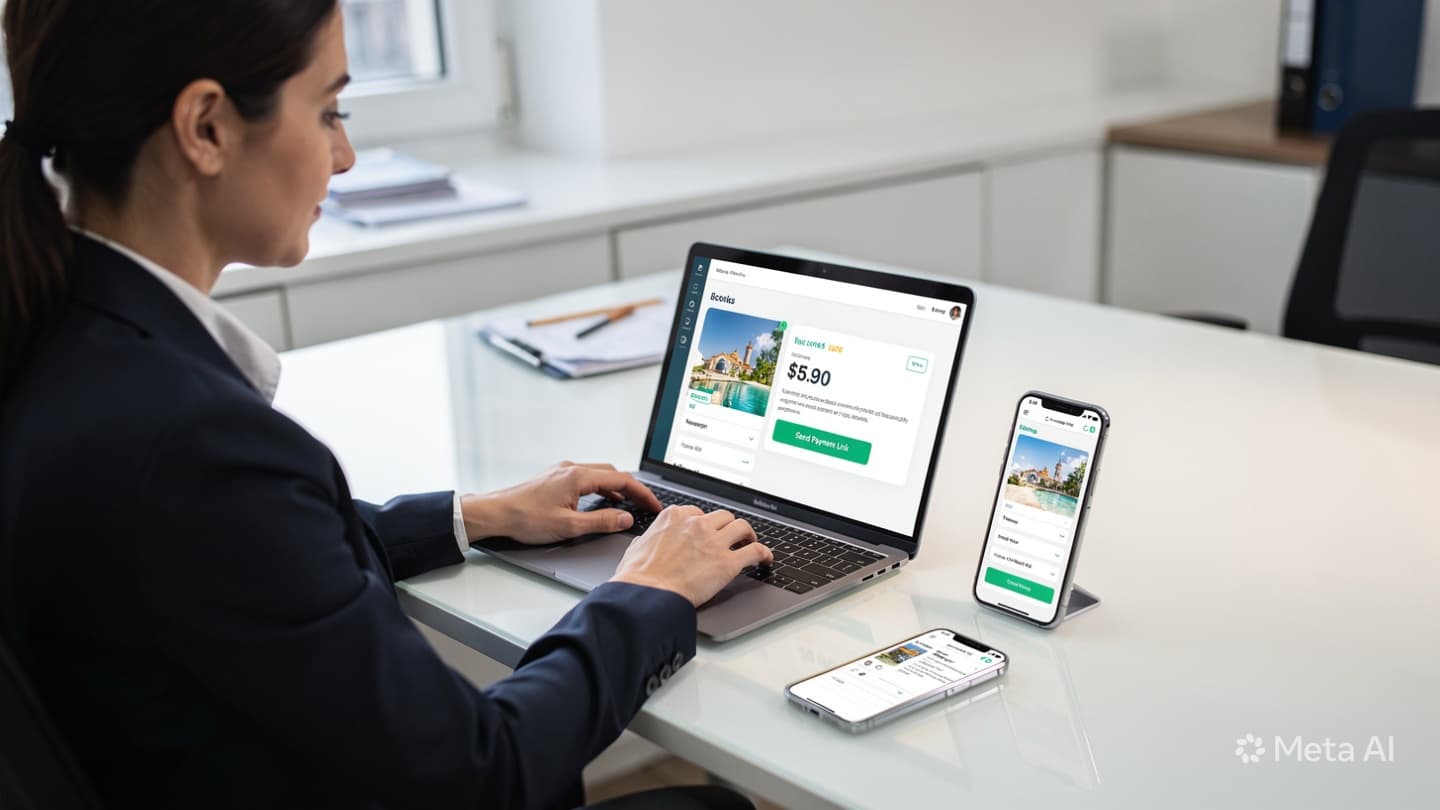
Click "Send Payment Link" and enter the amount
In TravelTech.uz, a single button generates a payment link pre-filled with the booking reference and client details. The only thing you type is the amount, or select "full" or "deposit."
sec
Choose the payment provider (Click or Payme)
Select which gateway to use. If you don't know the client's preference, default to Click, it has broader bank card coverage in Uzbekistan. Both generate a short shareable URL instantly.
sec
Copy link and send via Telegram (or WhatsApp)
Paste the link into your message. Use a short template (see below) so the client knows exactly what they're paying for. One tap to copy, one tap to send.
sec
Booking status auto-updates when payment completes
You don't need to check back. When the client pays, the booking moves to "Paid" automatically. You get a notification. No manual receipt-checking required.
Message Template to Use
Keep your message short. Clients don't read long payment instructions. This template works:
Your booking for [Tour name] on [Date] is confirmed.
To secure your spot, please pay [Amount] using the link below:
👉 [Payment link]
Payment is processed securely via Click/Payme. Once paid, you'll receive your booking confirmation automatically. Any questions, just message us here.
Which Channel to Send the Payment Link Through
Not all channels are equal. Here's how they rank by how fast clients tend to pay after receiving the link:
Telegram
Avg. payment: ~8 min. Highest open rate. Link is tappable directly.
Avg. payment: ~15 min. Good for clients outside Uzbekistan.
SMS
Avg. payment: ~35 min. Reliable fallback, but links can be truncated.
Avg. payment: 2-4 hours. Low open rates in Uzbekistan. Use only as backup.
Time to Payment by Method
4 Mistakes That Make Payment Links Slower
Generating the link outside the system
Logging into Click/Payme separately, entering details manually, adds 3-5 minutes and introduces errors.
Sending bank details instead of a link
Wire transfers require the client to do work. Payment rates drop significantly. Always use a link.
Adding long payment instructions
Clients stop reading after the first 2 lines. A short message with a clear link converts better.
No payment deadline in the message
Without urgency, clients defer. Add "Link valid until [date]" or "Spots are limited" to every payment message.
What Your Booking System Must Be Able to Do
The 60-second method only works if your booking system is set up correctly. Here's the minimum you need:
- Integrated Click and Payme: The payment gateway must be built into the system, not accessed separately.
- Pre-filled payment data: Booking amount, reference number, and client name pull through automatically to the link.
- One-click link generation: A button in the booking record generates the link immediately.
- Automatic status update: When payment is confirmed by the gateway, the booking status updates without manual input.
- Notification to agent: The agent responsible for the booking gets an alert when payment arrives.
If your current system requires you to switch between tabs, manually enter amounts, or check your phone for payment confirmation, you are losing 10-15 minutes per booking. Across 50 bookings a month, that's 8-12 hours of wasted agent time.
Sending Partial Payment Links (Deposits)
For high-value tours, many agencies collect a deposit (typically 30-50%) and the balance closer to departure. The same 60-second process applies, you just select "deposit" and set the amount.
When the deposit link is paid, the system marks the booking as "Deposit received" and automatically schedules a balance reminder 7-14 days before departure. The agent doesn't need to manually track this.
Important: Always state clearly in the payment message whether the amount is a deposit or full payment. Clients who think they've paid in full and then receive a balance request feel deceived, even if it was in the original quote.
If generating a payment link takes your agent more than 60 seconds today, it's a system problem, not a people problem. TravelTech.uz has Click and Payme built in, so the entire payment flow from your booking page takes under a minute. Talk to us about setting it up.