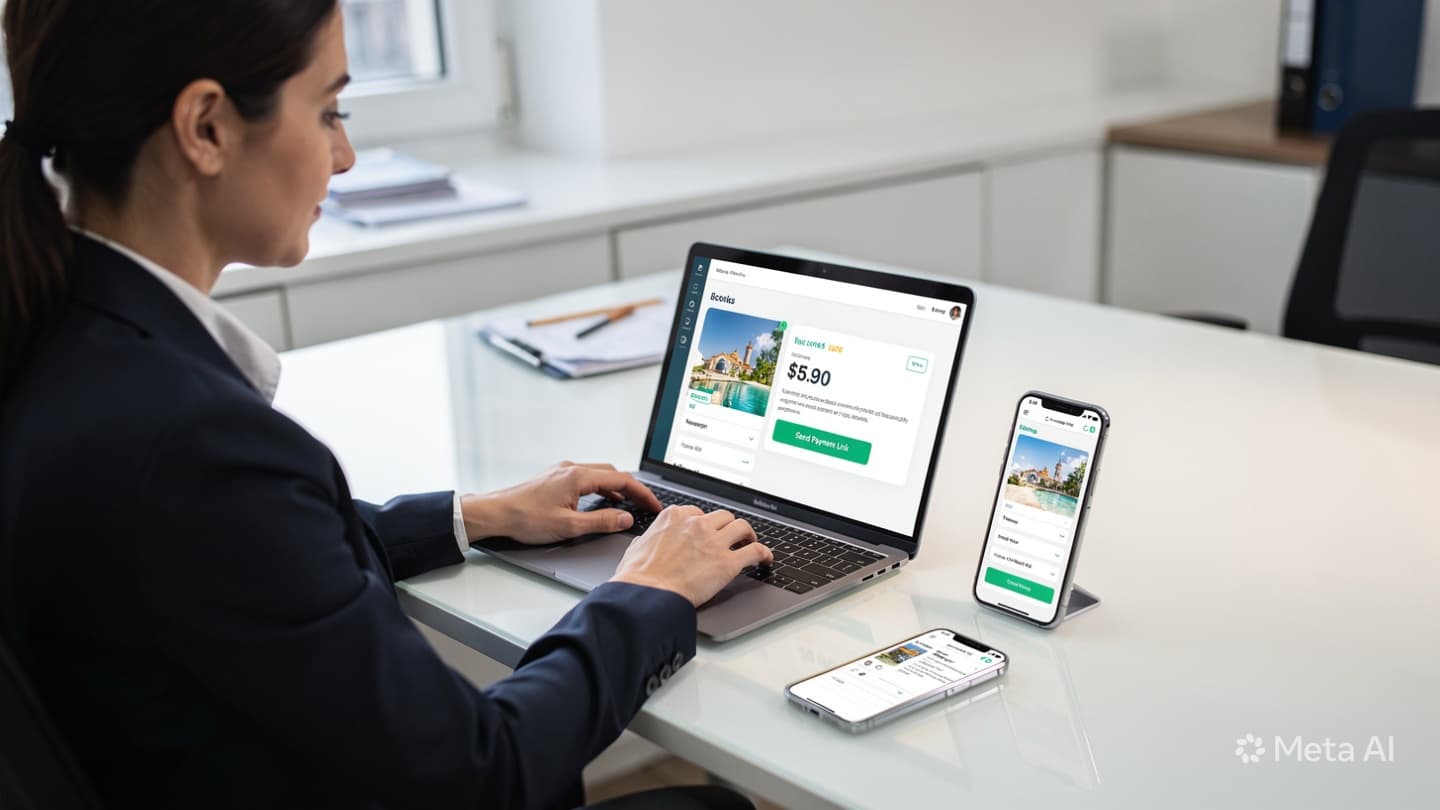

How Online Booking Links Reduce Back-and-Forth with Clients
Count the messages the next time you confirm a tour booking manually. A client enquires, you quote, they ask about dates, you check availability, they confirm a date, you ask for passport details, they send a photo, you ask for the date of birth that was cut off in the photo, they resend it, you ask for the deposit, they ask for your card number, you send it, they transfer, you ask for a screenshot, they send it, and you're fourteen messages in before a single thing is confirmed in writing.
A booking link compresses that entire sequence into one step for the client and eliminates most of the work for the agent. This article explains exactly what a booking link does, what it needs to contain to work properly, and the mistakes most agencies make when first using them.
The Conversation: Without vs. With a Booking Link
Here's a side-by-side look at a real Tashkent-to-Istanbul booking handled each way. Same client, same tour, same agent, only the process differs:
The difference isn't just speed. The manual flow creates no paper trail, relies on the agent's memory, and can fail at any point if the client delays or the agent gets pulled into another call. The booking link flow creates a timestamped record, populates the CRM automatically, and fires a confirmation email the moment payment clears, with zero agent involvement.
"A booking link isn't a shortcut, it's a system. The agent's role shifts from data collector to deal closer."
What a Booking Link Must Contain
A link that just takes the client to a generic payment page is only an invoice with extra steps, not a booking link. A properly configured booking link handles everything in one place:
Anatomy of an effective booking link
Tour summary, pre-filled
Destination, dates, number of travellers, and selected add-ons should already be on the page when the client opens it. They confirm, not re-enter. Any error at this stage belongs to the agent, not the client.
Structured passenger form
Separate fields for full name, passport number, date of birth, and nationality, not a free-text box or a photo upload. Structured data goes directly into the CRM without manual re-entry.
Integrated payment (Click or Payme)
The deposit or full payment is collected on the same page via Click or Payme. The client doesn't copy a card number, make a manual transfer, and send a screenshot, they tap pay and it's done. No screenshot chasing.
Booking conditions and consent
Cancellation policy, payment terms, and visa responsibility, shown and accepted at the time of booking. This replaces the informal "yes I understood" in Telegram with a timestamped acknowledgement that protects the agency.
Automatic confirmation
On payment, the client receives a confirmation by email or Telegram, booking number, tour details, payment receipt, and next steps. No agent action required. The CRM card moves to "Confirmed" automatically.


What Happens to the Agent's Time
The question agents sometimes ask is: "If a link handles everything, what do I do?" The answer is that the agent's job doesn't disappear, it changes. Instead of spending 35 minutes per booking collecting passport numbers and chasing card screenshots, agents spend that time:
- Handling more enquiries in parallel, because each booking takes minutes instead of an hour
- Following up on quotes that haven't converted, rather than doing data entry for ones that already have
- Answering real questions, visa requirements, hotel quality, itinerary options, rather than "what's the date of birth again?"
- Handling exceptions: clients who genuinely can't use an online form, group bookings with special requirements, corporate clients with specific invoicing needs
Agencies that implement booking links typically see each agent's capacity increase by 30-50% within the first month, without hiring anyone new.
The 4 Mistakes Agencies Make with Booking Links
A booking link that isn't set up correctly creates more friction, not less. These are the four patterns we see most often:
Sending a generic payment link instead of a pre-filled booking link. If the client has to enter the tour name, dates, and price themselves, you've added work for them and introduced a new source of errors. The link should arrive with everything already filled in.
Not connecting the link to your CRM. A booking link that creates a PDF but doesn't update a CRM record means the agent still has to manually enter the confirmed booking. You've saved the client effort but not the agent's, which defeats most of the purpose.
Collecting payment without showing booking conditions. If cancellation terms aren't displayed and accepted before payment, every cancellation becomes a negotiation. This is the most common reason agencies end up in disputes with clients over refund amounts.
Using a booking link for every single enquiry before the client has confirmed intent. A booking link is for the conversion step, when the client has said "yes, I want this tour." Sending it at the enquiry stage, before they've committed, feels pushy and often kills the deal. Use it to close, not to qualify.
A well-configured booking link does one thing at exactly the right moment: it makes it easier for a client who is ready to book to complete that booking without waiting for an agent.
Getting Set Up
You don't need to build a booking link system from scratch. The setup for a typical agency involves three integrations that connect your existing tools:
- Your CRM, to pre-fill tour details and receive the completed booking data automatically
- A structured form builder, to collect passenger details in separate, validated fields
- Click or Payme, to accept the deposit or full payment on the same page without the client leaving
Once connected, the agent's workflow becomes: send quote → client agrees → agent generates booking link in 30 seconds → client completes and pays → CRM confirms automatically. If you want to see how this would look configured for your agency's current booking flow, book a free consultation and we'll map it out on the call.