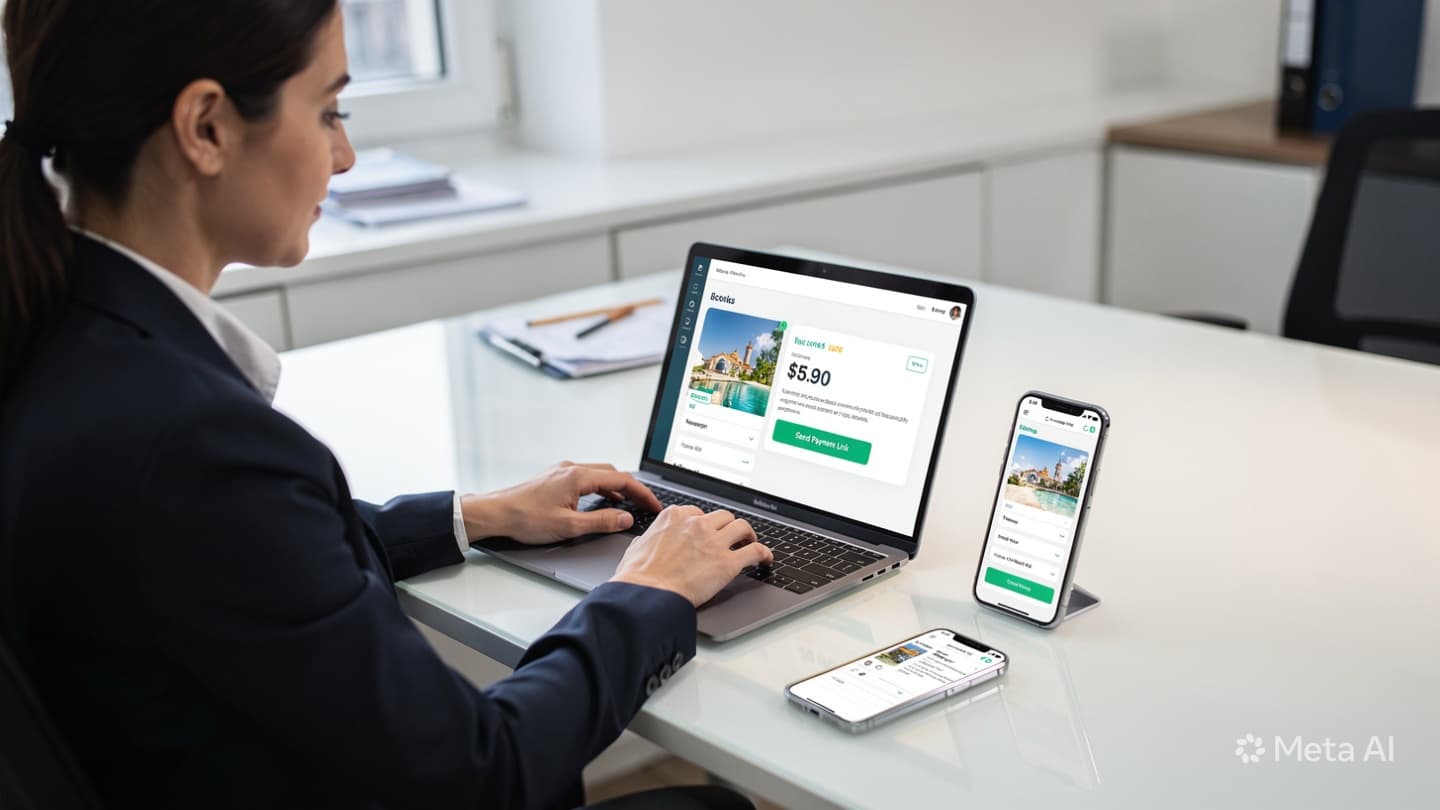

Click and Payme Integration: What Travel Agencies Need to Know
Over 90% of retail payments in Uzbekistan go through Click or Payme. Your clients use them daily, for groceries, utilities, clothing. Yet the majority of travel agencies still collect tour payments by sharing a card number in Telegram and asking for a screenshot. This works, until it doesn't: screenshots get lost, transfers hit the wrong account, clients dispute amounts, and there's no automatic record anywhere.
Integrating Click or Payme isn't a technical luxury. For any agency processing more than 30 payments a month, it's the difference between a bookkeeping system and a chat thread. This article explains what integration actually involves, how the two providers compare for agency use, and the practical steps to get started.
"Sharing your card number creates a liability for your clients, your agents, and your accountant. It is not a payment system."
Click vs. Payme: How They Compare for Travel Agencies
Both providers are widely used and technically capable. The right choice depends on your bank, your volume, and whether you need API access or are starting with simpler payment links. Here's a direct comparison on the factors that matter most for agencies:
| Factor | Click | Payme |
|---|---|---|
| App user base in UZ | Very large (older, broader) | Very large (younger, urban) |
| Merchant registration | Via partner banks; ~5-10 business days | Direct; ~3-7 business days |
| Transaction fee | 1-2% (varies by bank agreement) | 1-2% (varies by volume tier) |
| Settlement timing | Next business day | Same day or next day |
| Payment link (no API) | ✓ Available | ✓ Available |
| Full API integration | ✓ Well-documented | ✓ Well-documented |
| Partial / instalment payments | ✓ Supported | ✓ Supported |
| Refund handling | Via merchant dashboard or API | Via merchant dashboard or API |
| Best for agencies that… | Use Kapitalbank, Hamkorbank, or Ipotekabank | Prefer faster onboarding or higher mobile app conversion |
For most agencies, the practical answer is: integrate both. It takes no additional effort for the client, they pay whichever they prefer, and it eliminates the rare "I don't have Click" drop-off. Your booking link simply shows both options side by side.
Three Levels of Integration, Choose the Right One
Not every agency needs a full API build. Here are the three realistic options, from simplest to most powerful:
Payment Link
Level 1, No code neededGenerate a link from the Click or Payme merchant dashboard, send it to the client in Telegram or WhatsApp. Client pays, you get a notification. Manual, but structured: no card number shared, payment confirmed automatically.
- Set up in 1 day
- No developer needed
- Works from any device
Booking Form + Payment
Level 2, Low-code setupA pre-built booking form with embedded Click/Payme checkout. Client fills in travel details and pays on one page. Data goes to your CRM automatically. This is what most agencies implement with our help.
- CRM auto-populated
- Confirmation sent instantly
- Supports deposits & full payment
Full API Integration
Level 3, Developer requiredYour booking system calls the Click/Payme API directly. Payments are created, confirmed, and refunded programmatically. Needed for agencies with custom booking platforms or high transaction volumes.
- Full automation
- Custom payment flows
- Webhook-driven CRM updates
How a Payment Flows From Booking Link to Your Account
Understanding the flow helps you know where to look when something goes wrong, and what to tell a client when they ask "did you receive my payment?"
Agent sends booking link
The link contains the booking reference, tour details, and amount. It is unique to this client and this booking, not a generic "pay here" page.
Client opens link and pays via Click or Payme
They authenticate with their PIN or biometrics in the app, no card number typed, no bank transfer initiated manually. Payment typically clears in under 10 seconds.
Payment provider confirms to your system
Click or Payme sends a webhook notification to your booking system the moment payment clears. Your CRM moves the booking card to "Confirmed" automatically. No agent needs to check a screenshot.
Client receives confirmation
An automatic message or email fires with the booking reference, payment receipt, and next steps. This message is templated, consistent every time, zero agent effort.
Funds settle to your business account
Typically the same or next business day, net of the platform fee. Reconciliation is automatic, the payment record in your CRM matches the bank statement line by reference number.


What Agencies Often Miss: Refunds and Partial Payments
Getting payments in is only half the picture. Two scenarios catch agencies off guard every time:
Refunds. When a client cancels, returning money through the same Click or Payme channel is simple, but only if the original payment was made through your merchant account, not a personal card transfer. If you collected payment via personal card, you have no formal refund mechanism. The client's only option is to trust you to transfer it back manually, which creates disputes and has no audit trail. This alone is a strong reason to move away from card-number sharing.
Partial payments and deposits. Both Click and Payme support split payment flows, where the client pays 50% now and 50% before departure. This requires either two separate payment links generated at different times, or an API integration that handles instalment schedules. The simpler Level 2 integration handles this well: the agent sends a "deposit" link when the booking is confirmed and a "balance" link two weeks before departure. Both are tied to the same booking reference in the CRM.
Every payment collected through a personal card is invisible to your accountant, unprotected in disputes, and impossible to refund formally. Integration isn't just convenience, it's compliance.
Getting Registered: What You'll Need
Both Click and Payme require merchant registration before you can accept payments. The documents are standard and the process is straightforward for a registered business:
- Business registration certificate (guvohnoma) for your agency
- STIR (tax identification number)
- Bank account details for the settlement account
- Director's passport copy
- Your website or booking page URL (both providers verify that a real business exists)
Registration typically takes 3-10 business days. Once approved, you receive merchant API credentials that connect to your booking system. If you're starting with payment links only (Level 1), you can begin using the merchant dashboard immediately, no API credentials needed yet.
The Right Sequence
If you're integrating for the first time, do it in this order to avoid building things you'll immediately replace:
- Week 1: Register as a merchant with both Click and Payme. While waiting for approval, stop collecting payments via personal card, switch to manually generated payment links from the dashboard.
- Week 2-3: Set up the Level 2 booking form with embedded checkout. Connect it to your CRM so payments update booking status automatically.
- Month 2+: Once the flow is running smoothly, layer in automated deposit and balance-due links, add reconciliation reporting, and consider moving to full API if your volume justifies it.
If you'd like help with the merchant registration process or setting up the booking form integration for your agency, book a free consultation. We've set this up for agencies across Uzbekistan and can usually have Level 2 running within a week of merchant approval.