How to Build a Mobile-Friendly Booking Page for Your Agency
More than 80% of travel enquiries received by agencies in Uzbekistan come through mobile channels, Telegram messages, Instagram DMs, WhatsApp voice notes. The client is on a phone when they first ask about a tour, when they negotiate the price, and when they decide to book. Yet most agency booking pages are still designed as if the client will sit down at a desktop, scroll through a multi-column layout, and carefully fill in a 12-field form. They won't. They'll abandon it in under 10 seconds and send another Telegram message instead.
A mobile-friendly booking page is a completely different set of decisions from a desktop one, about layout, form length, payment options, load speed, and what happens the moment the client submits. This article covers the six elements every agency booking page needs to work on mobile, how TravelTech.uz generates these pages automatically, and a 10-point checklist you can use to audit your own page today.
"If your booking page takes more than 3 taps to reach the submit button on a phone, most clients will give up before they get there."
Why Most Agency Booking Pages Fail on Mobile
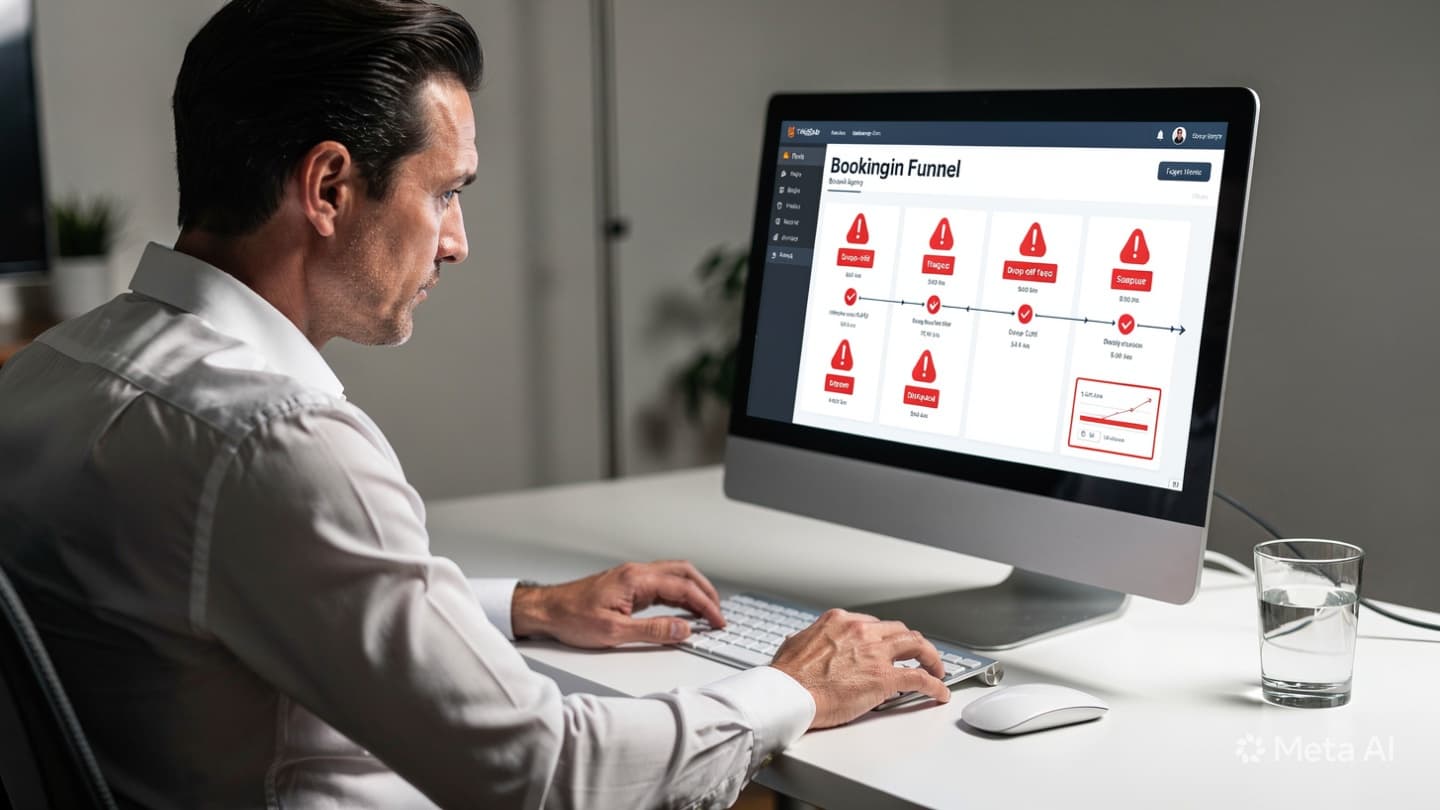
The failure modes are consistent across agencies. Understanding them is the first step to fixing them:
- Slow load time. Pages built on shared hosting or loaded with unoptimised images regularly take 6-10 seconds on a mobile connection. The average mobile visitor leaves after 3 seconds if nothing loads. By that point, you haven't even shown them the form.
- Tiny tap targets. Desktop-designed forms have small radio buttons, compact dropdowns, and input fields that are nearly impossible to tap accurately on a touch screen. Every mis-tap creates frustration. After two or three of them, the client closes the tab.
- Too many fields. Asking for full name, passport number, email, date of birth, nationality, hotel preference, dietary requirements, and emergency contact, all before the client has even paid a deposit, guarantees drop-off. Mobile users will not fill in long forms. They will simply stop.
- No mobile payment option. Redirecting a client to enter a 16-digit card number on a phone keyboard is a conversion killer. In Uzbekistan, where Click and Payme are already installed on virtually every smartphone, not offering them is leaving money on the table.
- No confirmation after submit. Clients who complete a form and get nothing back, no SMS, no Telegram message, no email, assume something went wrong. They call. They message. They ask three more times if their booking was received. All of that is agent time wasted on work that should be automated.
The 6 Must-Have Elements of a Mobile-Friendly Booking Page

Single-Column Layout & Large Tap Targets
Every element, fields, labels, buttons, stacks vertically in a single column. Input fields are at least 48px tall so fingers can tap them reliably without zooming. Buttons are full-width. There are no side-by-side columns that force the user to scroll horizontally or pinch to zoom.
Minimal Form Fields
At the booking stage, collect only what you need right now: name, phone number, travel dates, and number of travellers. Nothing else. Passport details, dietary requirements, and hotel preferences can be collected later, after the client has committed. Every extra field reduces your conversion rate.
Mobile Payment Integration (Click & Payme)
Offer Click and Payme as one-tap payment options. In Uzbekistan, these apps are already installed and the client's card is already registered. They pay with their PIN, no card number typed, no bank app opened separately. Completing a deposit takes under 15 seconds. Completing the same task via manual card entry takes 2-3 minutes and fails more often.
Fast Load Time (Under 2 Seconds)
Optimise images before uploading, use a reliable CDN, and remove any third-party scripts that are not essential to the booking flow. Aim for a Google PageSpeed mobile score above 80. At 2 seconds or under, nearly all visitors stay. At 5 seconds, you've already lost 40% of them. Speed is a direct revenue factor, not a technical nicety.
Sticky CTA Button Always Visible
As the client scrolls through tour details and pricing, the "Book Now" or "Pay Deposit" button stays fixed at the bottom of the screen at all times. This eliminates the friction of scrolling back to find where to act. When the client is ready, after reading the itinerary, after checking the price, the button is already in front of them. One tap, done.
Auto-Confirmation via SMS or Telegram
The moment the client submits the form or completes payment, an automatic message fires to their phone number, either an SMS or a Telegram bot message. It confirms the booking reference, tour name, dates, and amount paid. This single automation eliminates the most common post-booking anxiety: "Did my booking go through?" No agent intervention needed.
How TravelTech.uz Generates Mobile-Ready Booking Pages Automatically
Building all six of these elements from scratch, and maintaining them as tour offerings change, is not practical for most agencies. This is where the TravelTech.uz booking module comes in.
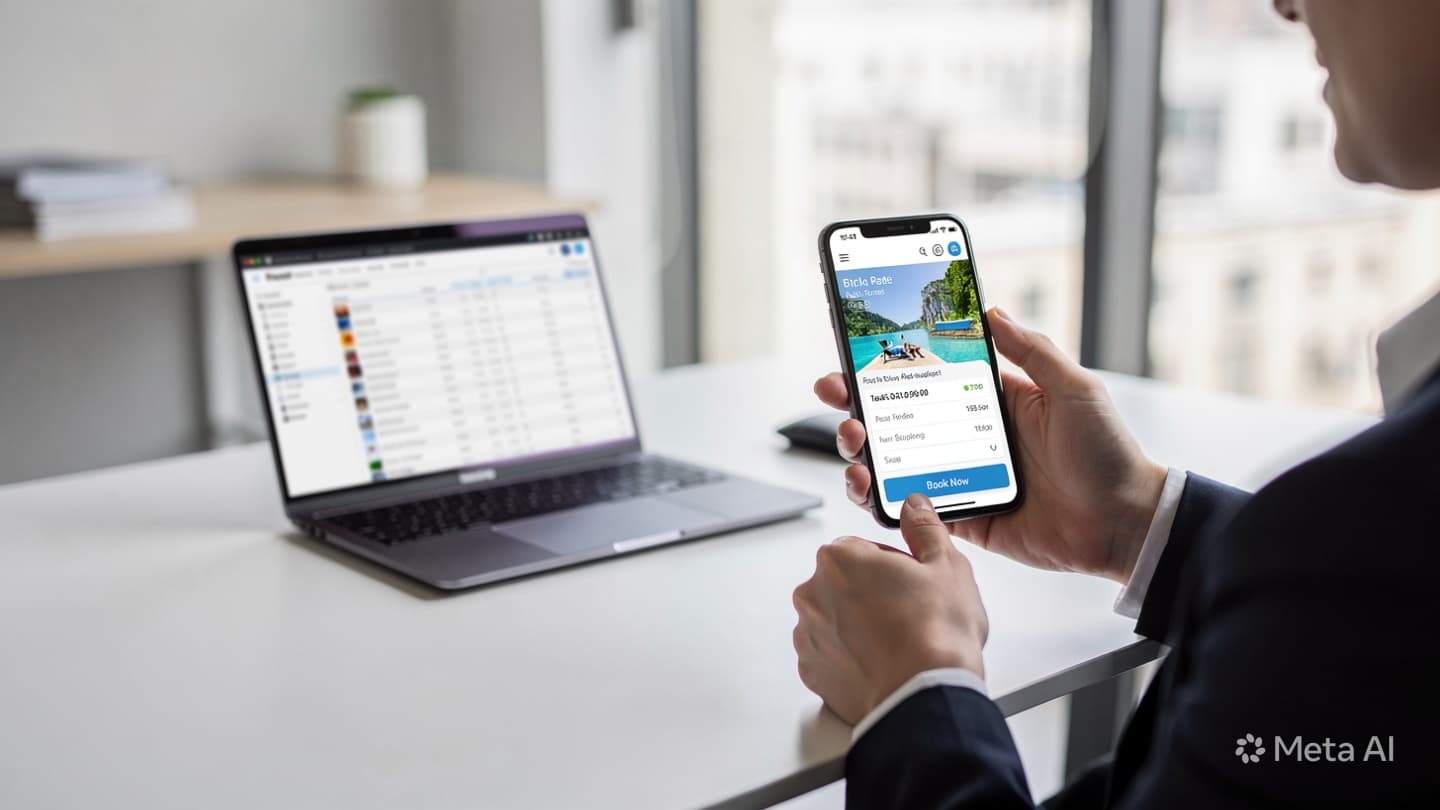
When you create a tour in the TravelTech.uz platform, the system automatically generates a mobile-optimised booking page for that tour. The page includes all six elements described above: a clean single-column layout, a pre-configured minimal form, embedded Click and Payme checkout, a page built on fast-loading infrastructure, a sticky CTA that follows the client as they scroll, and an automatic Telegram or SMS confirmation triggered the moment the form is submitted or payment is confirmed.
The page is live within seconds of creating the tour. You don't need a developer. You don't need to configure payment credentials on every page, they're connected once at the account level. And when the client books, the data flows directly into your CRM: the enquiry is created, the status is updated, and the agent sees a complete record without typing anything manually.
If your agency currently sends clients to a generic form, a PDF, or a manually assembled page, switching to generated booking pages typically cuts the time from "client asks about tour" to "deposit received" from 2-3 days down to under 10 minutes.

10-Point Mobile Booking Page Audit
Use this checklist to evaluate your current booking page. If you answer "no" to more than three of these, your page is losing bookings on mobile right now.
A booking page that scores 10 out of 10 on this checklist will outperform a poorly optimised page by 3-5x in conversion, mainly because it stops actively pushing clients away.
What to Do Next
If your current booking page fails more than three points on the checklist above, the most efficient fix is to replace it with a generated page rather than trying to patch the existing one. Patching a slow, desktop-designed form rarely fixes the underlying problems, it just adds more layers on top of them.
If you'd like to see how TravelTech.uz generates mobile-ready booking pages for your tours, including Click and Payme checkout, automatic CRM entry, and Telegram confirmation, book a free consultation. We can walk you through a live demo using your own tour details, so you see exactly what your clients would experience.