Why Your Agency Needs a Booking Confirmation Page (Not Just a Message)
After a client pays for a tour, most travel agencies do one thing: send a message in Telegram. "Payment received, all good, we'll be in touch." That's it. The client closes the app, sits with their excitement and their anxiety, and eventually starts wondering, did the booking actually go through? Is my seat confirmed? What happens next?
A Telegram message is only a reassurance from a person, not a real confirmation, and people go offline, get busy, and miss questions. A booking confirmation page is a permanent, branded, always-available record that answers every question a client will have in the 48 hours after paying. This article explains what it is, what it must contain, and why setting one up is one of the highest-leverage changes a travel agency can make.
"A Telegram message disappears into a chat thread. A confirmation page is a document the client can return to any time, and that's the difference between anxiety and trust."
What a Confirmation Page Actually Is
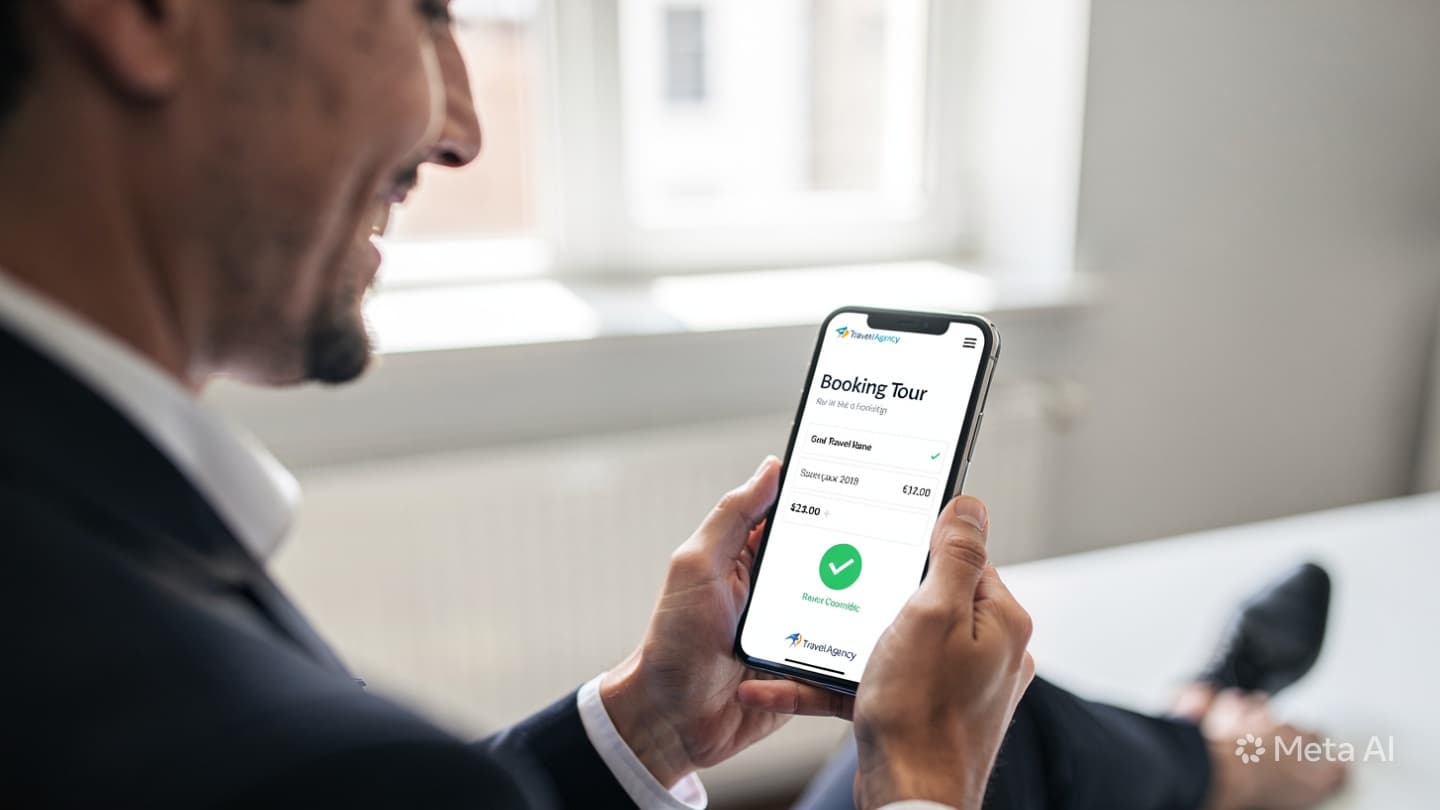
A booking confirmation page is a branded web page, hosted on your domain, carrying your logo and colours, that is automatically generated the moment a client's payment is processed. It is not an email template, not a PDF attachment, and not a chat message. It is a live URL the client can bookmark, share with travel companions, and return to whenever they have a question.
Here is how a Telegram message compares to a proper confirmation page across the criteria that matter most to clients:
- Scrolls away in chat history
- No booking reference number
- No payment receipt
- No itinerary details
- No emergency contact
- Depends on agent being online
- Cannot be shared easily
- Permanent URL, always accessible
- Unique booking reference
- Full payment receipt
- Complete itinerary summary
- Emergency contact 24/7
- Available without agent input
- One link to share with family
The 5 Elements Every Confirmation Page Must Have
A confirmation page that covers these five elements will handle 90% of the questions clients ask in the days after booking, without a single agent needing to respond manually.
1. Booking Summary
Tour name, destination, departure and return dates, number of travellers, room type, and total price paid. This is the factual record the client will check first if anything seems unclear.
2. Payment Receipt
Amount paid, payment date, transaction reference from Click or Payme, and remaining balance if a deposit was taken. This replaces the screenshot the client used to keep in their gallery.
3. Itinerary Overview
A day-by-day or segment-by-segment summary: flight numbers, hotel names, transfer details, and included activities. Enough for the client to understand what they have booked without needing to re-read a long proposal document.
4. Emergency Contact
A direct number, not a general agency inbox, that the client can call if something goes wrong before or during travel. This is the most trust-building element on the page and the one clients most often screenshot to keep.
- 5. Next Steps. What does the client need to do now? Prepare documents, wait for visa instructions, check in for a flight, download an app? A brief numbered checklist removes the most common source of post-booking uncertainty and prevents a flood of "what should I do next?" messages.

How a Confirmation Page Builds Client Trust
Trust in a travel booking is fragile in the first 24 hours. The client has transferred a significant sum, often equivalent to one or two months' salary, to an agency they may have only spoken to for a few days. The natural human response is to want proof: proof the money arrived, proof the booking exists, proof someone is in charge.
A branded confirmation page delivers that proof instantly and professionally. It signals that your agency operates systems, not just chat threads. It shows the client that their booking was processed by software that generated a reference, logged a receipt, and created a permanent record, not by an agent who typed a message between handling other clients.
Clients who receive a confirmation page are measurably less likely to message the agency in the 48 hours after booking. Their anxiety has an answer before it becomes a question. This is not just a client experience improvement, it is a signal that your agency is serious enough to invest in the infrastructure that serious businesses use.
How It Reduces Agent Workload
Every travel agency that still relies on Telegram confirmations deals with the same recurring message pattern. Within 48 hours of payment, some proportion of clients will send some version of: "Did you receive my payment?" or "Can you send me the booking details again?" or "I need to show my family what's included, can you send me everything?"
Each of these messages requires an agent to stop what they are doing, find the booking in their system or their notes, compose a reply, and send it. At 20 bookings a month, this might cost two or three hours of agent time per week. At 80 bookings a month, it becomes a near full-time task for someone on the team.
A confirmation page eliminates this category of message entirely. The link is sent once, automatically, the moment payment clears. The client has everything. There is nothing left to ask. Agents regain hours they can spend on new enquiries and tour planning, the work that actually grows revenue.

How to Set It Up with TravelTech.uz CRM
In TravelTech.uz CRM, the booking confirmation page is generated automatically when a payment is marked as confirmed, whether that confirmation comes from a Click or Payme webhook, or is entered manually by an agent. No additional steps are required from the agent and no template needs to be assembled for each booking.
Here is how the setup works:
- Your agency branding is configured once: logo, brand colours, agency name, and emergency contact number. Every confirmation page generated from that point carries your brand automatically.
- Booking details are pulled from the CRM record: tour name, dates, traveller names, payment history, and itinerary notes. The page is assembled from data already in your system, nothing needs to be re-entered.
- The client receives a unique URL: automatically sent via the communication channel your agency uses, Telegram, WhatsApp, or SMS. The link is permanent and does not expire.
- Partial payments update the page automatically: if the client paid a deposit, the confirmation shows the amount paid and the remaining balance due date. When the balance is paid, the page updates to show full payment confirmed.
If your agency is not yet using TravelTech.uz CRM, the confirmation page feature is available from day one of your subscription and does not require any technical configuration on your side. We set up your branding during onboarding and test the first live confirmation with you before you go live.
The agencies that have adopted confirmation pages consistently report two things within the first month: fewer post-payment messages from clients, and a noticeable improvement in the way clients talk about them to friends and family. "They sent me a proper page with everything" is a recommendation. "They messaged me in Telegram" is not.
If you'd like to see how a confirmation page looks for your agency's branding and tour format, book a free walkthrough. We'll build you a sample using one of your existing tours so you can see exactly what your clients would receive.