
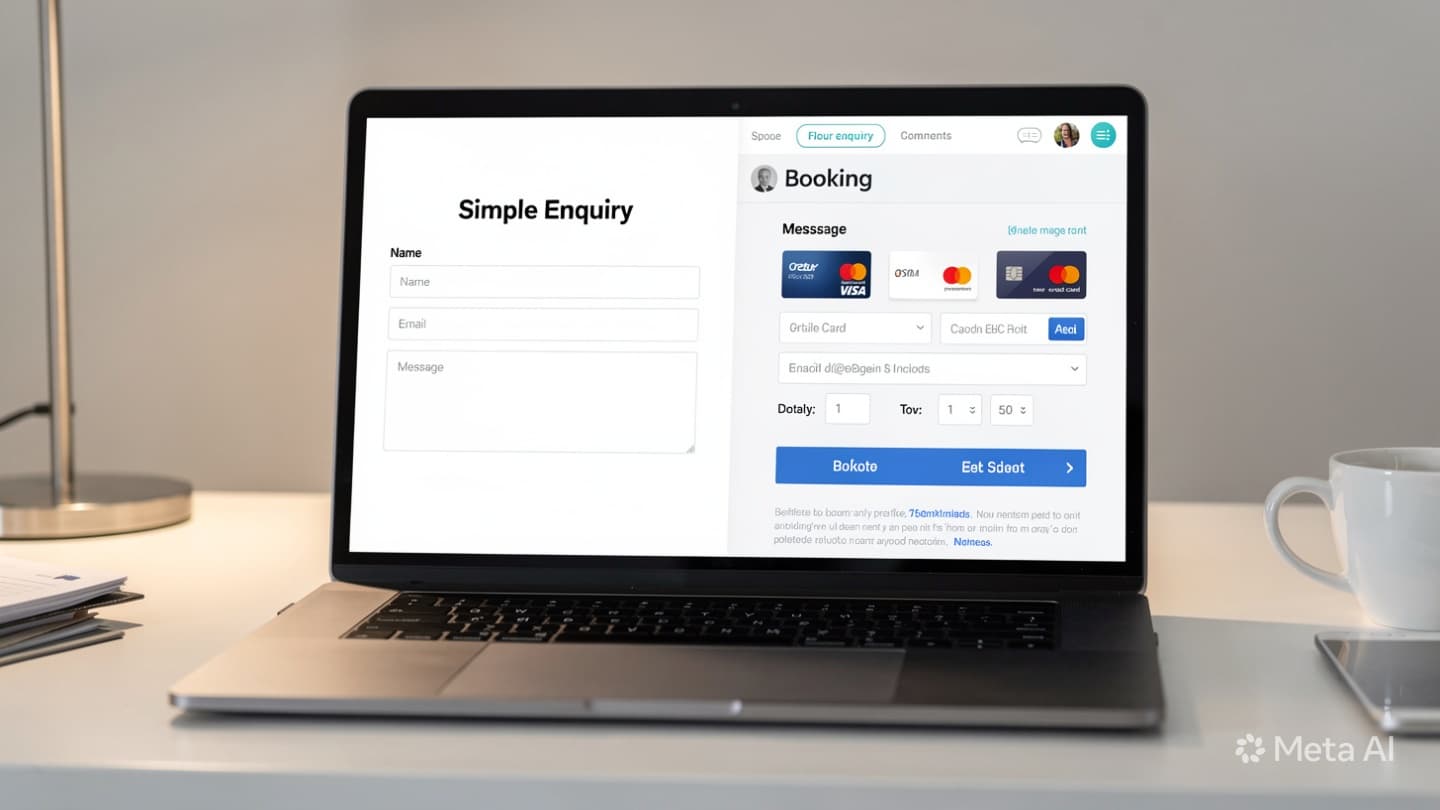
The Difference Between an Enquiry Form and a Booking Form
Walk into most travel agency websites in Uzbekistan and you'll find one form doing everything: collecting names, destinations, dates, number of passengers, and sometimes passport series numbers on the very first contact. Agencies treat it as a universal intake tool. The result is a form that asks too much too soon, scares off potential clients who are still in the "just exploring" stage, and creates a confusing first impression of how professional the agency actually is.
The fix is conceptually simple but frequently overlooked: enquiry forms and booking forms are two different instruments that serve two different moments in the client relationship. Using the wrong one at the wrong time creates friction, loses leads, and forces agents to manually re-enter data they already collected. This article explains the difference, gives you a clear comparison, and shows how connecting both to your CRM eliminates the gaps between them.
"Asking for passport details on the first contact is like asking someone to sign a contract before they've read the menu. It doesn't build trust, it ends the conversation."
What an Enquiry Form Is, and When to Use It
An enquiry form is a lightweight, low-commitment form that captures a lead's initial interest. Its purpose is to collect enough to start a conversation and create a record in your CRM, not to gather everything at once. The client at this stage has not made any decision. They're interested, but they may be comparing three agencies simultaneously, or simply exploring whether a tour to Turkey in August is even within their budget.
The right fields for an enquiry form are:
- Name, first name is sufficient at this stage
- Contact, phone number or Telegram handle
- Destination, country or region of interest
- Approximate dates, month or date range, not exact departure time
- Number of travellers, adults and children
- Budget range, optional, but helps qualify the lead faster
That's it. No passport series, no full legal name, no hotel preferences, no meal plan selection. The enquiry form sits on your homepage, on blog post CTAs, and on any campaign landing page. It should take under 90 seconds to complete and feel effortless, because at this stage, effort kills conversion.

What a Booking Form Is, and When to Use It
A booking form is a structured document that collects everything needed to actually confirm and process a tour. It comes at the end of the sales process, after the agent has sent a quote, the client has reviewed it, and both sides have agreed on the price, itinerary, and dates. The client at this stage is committed. They're not comparing options anymore. They're ready to hand over the details that matter.
The right fields for a booking form are:
- Full legal name, as it appears on the passport, for every traveller
- Passport series and number, required for visa and hotel registration
- Date of birth, required for airline tickets and insurance
- Passport expiry date, to verify validity for the destination country
- Confirmed tour details, dates, hotel, number of nights, meal plan
- Payment method, full payment, deposit amount, or instalment schedule
- Terms acceptance, cancellation policy, insurance waiver if applicable
The booking form is shared as a direct link after the quote is accepted, never as the first contact point. Sending this form to someone who just found you on Instagram is the equivalent of handing a stranger a legal contract before saying hello.

Side-by-Side Comparison
| Factor | Enquiry Form | Booking Form |
|---|---|---|
| Purpose | Capture initial interest and start a conversation | Collect all details needed to confirm and process the tour |
| Key fields | Name, contact, destination, dates, pax, budget | Full legal names, passport data, DOB, payment, terms |
| Commitment level | Zero, client is exploring | High, client has agreed to price and itinerary |
| When to show it | Homepage, blog CTAs, campaign pages, social links | After quote is sent and verbally or digitally accepted |
| Next step after submission | Agent contacts lead within 1-2 hours to qualify and send a quote | CRM moves booking to "Confirmed"; payment link is sent |
| CRM action | Creates a new lead card with source, destination, and dates | Populates booking record with passenger data; triggers confirmation |
When to Show Which Form
The placement of each form matters as much as its content. Here is the practical rule: use the enquiry form anywhere you're asking someone to raise their hand, and use the booking form only after you've confirmed they want to buy.
Enquiry form placement: Your homepage contact section, blog article CTAs (like the one at the end of this article), paid advertising landing pages, Instagram bio links, and Telegram bot entry points. Any touch point where a potential client is discovering you for the first time gets the enquiry form, nothing more.
Booking form placement: Sent as a private link directly to the client after the quote call or message. It should not be publicly linked on your website. Some agencies embed it in a password-protected page or generate a unique URL per booking, both approaches are valid. The key is that it only reaches people who are ready for it.
How Connecting Both Forms to Your CRM Creates a Seamless Pipeline
The real power of using two separate forms is what happens when both feed into the same CRM. The journey becomes a clean, trackable pipeline rather than a series of disconnected conversations and manually updated spreadsheet rows.
Enquiry form submitted
A new lead card is automatically created in the CRM with the client's name, contact, destination, dates, and pax count. The agent is notified immediately and can see the lead source, whether it came from the homepage, a blog post, or a Telegram link.
Agent qualifies and sends a quote
The agent reviews the lead card, contacts the client, and uses the information already in the CRM to build a quote. No re-entering data from WhatsApp into a spreadsheet. The quote is attached to the lead card and sent as a PDF or booking link.
Client accepts the quote
The lead card moves to "Quote Accepted" in the pipeline. The agent sends the booking form link, a unique URL tied to this specific lead record in the CRM.
Booking form submitted
Passenger details and payment selection flow directly into the lead card, which is promoted to a booking record. No manual data entry. The CRM now has a complete file: source, history, quote, and passenger data in one place.
Payment link sent; booking confirmed
A payment link is sent automatically or by the agent. Once payment clears, the booking moves to "Confirmed" and a confirmation message is sent to the client, all triggered from the same CRM record that started as a humble enquiry form submission.
The Most Common Mistake: Passport Details in an Enquiry Form
The single most damaging error agencies make is adding passport fields to their first-contact form. It happens for understandable reasons, the agent wants to "save time" by collecting everything upfront, or the form was originally built for booking and then repurposed as the only form on the site.
The effect on conversion is severe. A client who finds your agency through Instagram and fills in their name, destination, and travel dates is making a low-stakes, 60-second decision. The moment they see "Passport series," "Passport number," and "Date of expiry" on the same form, the psychological weight of that decision multiplies. They haven't agreed to anything yet. Why does an agency need their passport number just to ask about a tour price? Most won't answer that question, they'll simply close the tab and try the next agency.
The fix takes ten minutes: remove passport fields from the enquiry form entirely, and keep them on the booking form where they belong. Your enquiry volume will increase. The leads you do get will be better qualified because they completed the form willingly, not reluctantly. And your agents will spend less time chasing people who were frightened off by a form that asked for too much too soon.
Every field you add to an enquiry form reduces conversion. Keep it short, keep it safe, and save the details for when they actually matter.
Two Forms, One Pipeline, and No Gaps in Between
The agencies that consistently convert more leads are not the ones with the most features on their website. They're the ones that make each step in the client journey feel proportionate to where the client actually is. A short enquiry form says: "Tell us what you're looking for, and we'll take care of the rest." A thorough booking form says: "You've decided, now let's make it official." Both forms serve the client. Neither asks for more than the moment requires.
If you're ready to set up a proper two-form pipeline with CRM integration for your agency, book a free consultation. We've built this system for agencies across Uzbekistan and can have your enquiry-to-booking flow running within days.