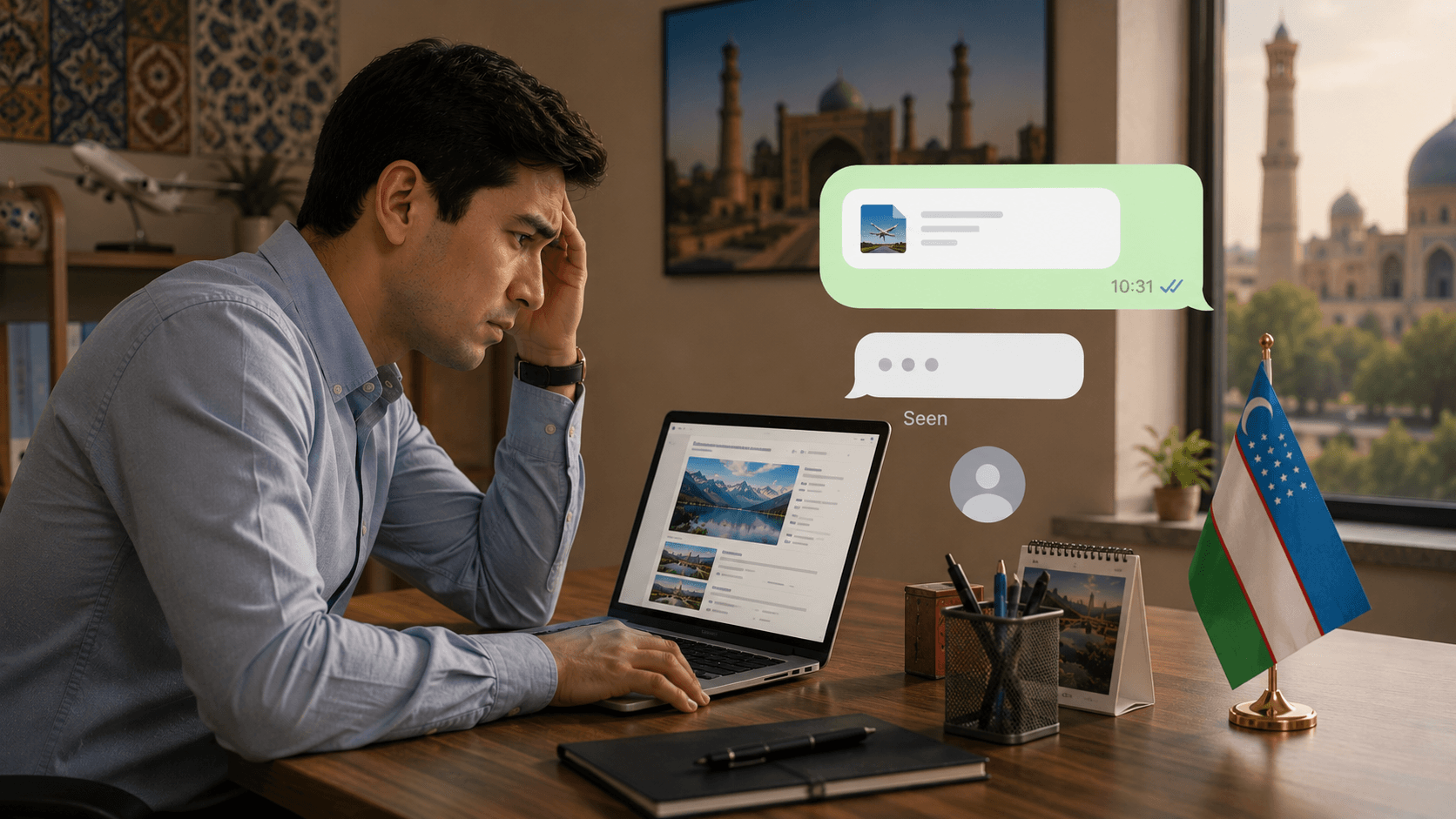

Adding a Live Chat or Telegram Button to Your Agency Website
Think about how you ask a question online. You rarely fill in a contact form and wait for an email. You tap a chat bubble, type one line, and expect a reply in the app you already use. Your clients are exactly the same. Yet many agency websites still offer only a form, and quietly lose everyone who was not in the mood to fill one in.
A chat or Telegram button closes that gap. It meets the visitor where they already are, in a quick, low effort conversation, and turns a moment of interest into an actual message before it cools.
Most people will not fill in a form, but they will tap a button and type one line. The easier you make the first message, the more of them you get.
Telegram Button or Live Chat, Which One
Both put a conversation one tap away, but they suit different agencies. Here is the honest comparison.
Telegram button
- The app is on almost every phone in Uzbekistan
- The conversation continues after they leave your site
- It lands in a chat your agents already watch
- It still works when no one can reply this second
Live chat widget
- Feels instant when someone is there to answer
- Keeps the conversation on your own site
- Needs a person available during working hours
- An unanswered chat looks worse than no chat at all
For most agencies in Uzbekistan, the Telegram button is the natural first choice. Almost everyone has the app, the conversation lands straight in a chat your agents already monitor, and it keeps going even after the visitor closes your site. Live chat can feel more immediate and keeps people on the page, but it only works if someone is genuinely there to reply during working hours. If you cannot staff it reliably, Telegram is the safer bet, because an unanswered Telegram message simply waits in an app the client checks anyway, while an ignored live chat makes you look absent.
How to Add It Well
A button only helps if it is done with a little thought. Four things matter.
Keep It Visible Everywhere
A small floating button in the corner of every page, so a visitor never has to scroll back to find it.
Make the Action Obvious
A Telegram icon tells the visitor instantly what happens when they tap, with no guessing.
Make It Work on Mobile
Almost all your visitors are on a phone, so the tap must open the Telegram app directly, not a confusing web page.
Answer Fast, Every Time
Route the messages to someone who genuinely watches them, because a quick reply is the whole point.
That last step is the one agencies underestimate. Speed is the entire promise of a chat button, so a button that leads to a channel nobody checks until the evening is worse than a plain form, because the client expected a fast reply and was let down. Decide who owns these messages before you add the button, not after.
Common Mistakes That Quietly Waste It
The most common mistake is treating the button as decoration. It goes on the site, it looks modern, and then the messages pile up unread because no one was told to watch them. A chat button is a promise of a quick human reply, and a broken promise costs more trust than never making it.
The second is cluttering the corner with too many icons. When a visitor sees Telegram, WhatsApp, a phone bubble, a live chat and an email float all at once, the choice paralyses them and they tap nothing. Pick the one channel your clients actually use, make it the obvious option, and let the rest live quietly on the contact page.
The third is never testing it on a real phone. A button that works perfectly on your office computer can open the wrong app, or a blank web page, on a client's phone. Open your own site on mobile data, tap the button as a client would, and make sure it lands you in a real chat with your team in a single tap.
A One-Line Auto-Reply Buys You Time
One small addition makes a chat button far more forgiving: an automatic first reply. The moment someone messages, a single friendly line, thanks for your message, an agent will reply within the hour, tells the client they have been heard and sets a realistic expectation. It costs nothing to set up, and it turns the dangerous silence between their message and your answer into a managed wait rather than a dead end.
This matters most outside working hours. A client who messages at eleven at night and hears nothing assumes you are closed or careless; the same client who gets an instant note saying you will reply in the morning happily waits. The auto-reply does not replace a real answer, it simply protects the conversation until a person can pick it up, and it is often the difference between a lead that waits and one that messages a competitor instead.
A Small Change With an Outsized Effect
Of all the improvements you can make to a travel agency website, adding an easy way to start a conversation is one of the cheapest and most effective. It does not redesign anything, it simply stops losing the visitors who were interested but unwilling to fill in a form. For many agencies that is a meaningful share of every month's lost enquiries, recovered for the cost of a single button.
If you want help adding a Telegram or chat button that routes cleanly to your team and actually gets answered, reach out for a free consultation.